
Download Canvas – free video app, painting tool, mobile illustration software
Overview
Canvas is a free mobile application designed for creative individuals seeking a powerful yet accessible platform for digital art creation. Developed by John R Oliver, the app is tailored for users who wish to explore digital painting and illustration directly from their Android devices. It serves as a portable studio, enabling artists to sketch, paint, and refine their work anytime, anywhere. The software addresses the growing demand for high-quality, intuitive art tools on mobile platforms, offering a compelling alternative to desktop-based applications for casual and professional creators alike.
Target users include hobbyists, aspiring illustrators, students, and mobile artists who value convenience and creative freedom. The app is optimized for use on both smartphones and tablets, making it ideal for on-the-go creation. Real-world scenarios include sketching ideas during commutes, designing concept art for personal projects, or producing detailed illustrations for social media. Despite its mobile format, Canvas delivers a robust set of features that support advanced artistic workflows, including layer management and precision selection tools. The developer did not provide additional details about the app’s development background beyond the name.
Key Features & Capabilities
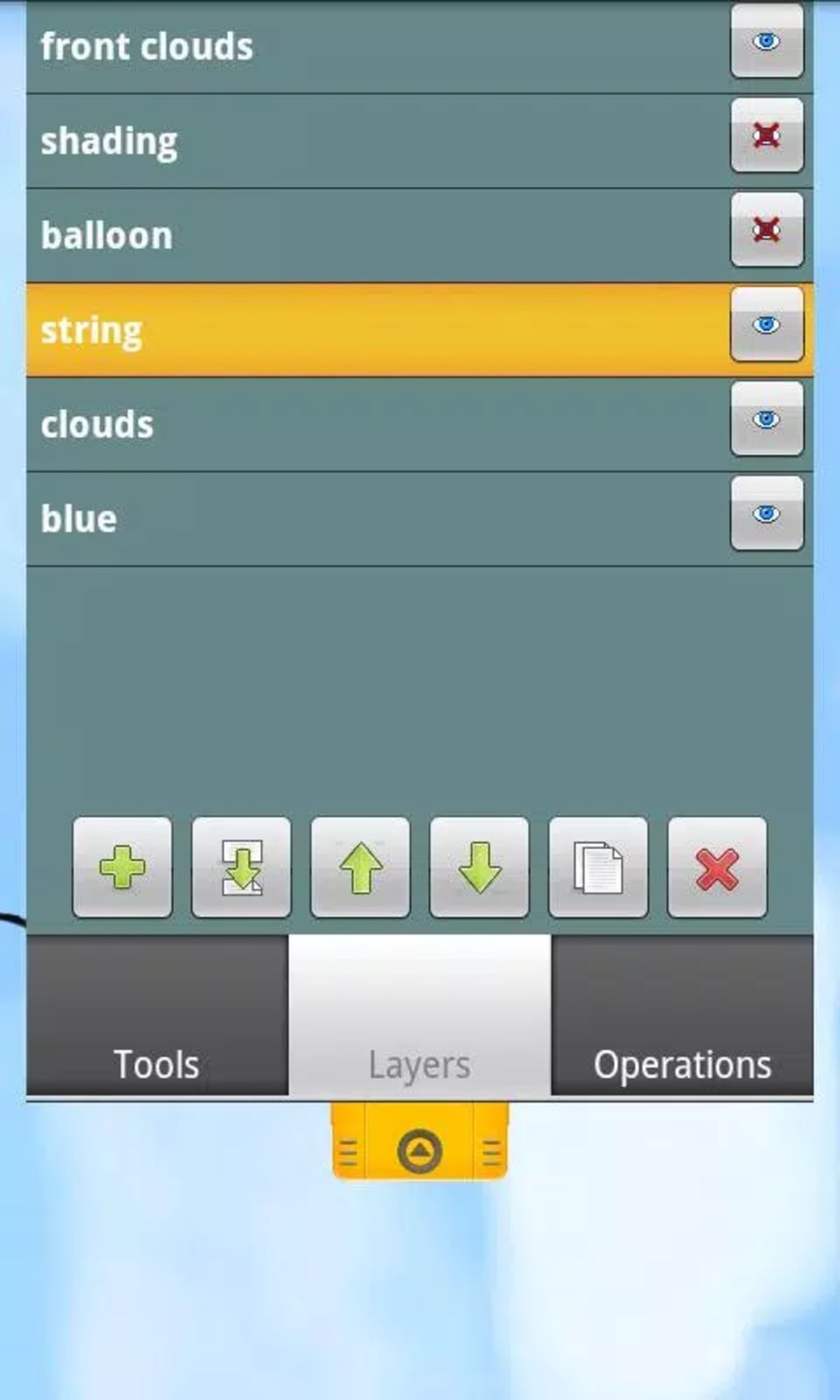
- Layer Support: Allows users to work on multiple layers, enabling non-destructive editing and greater control over composition.
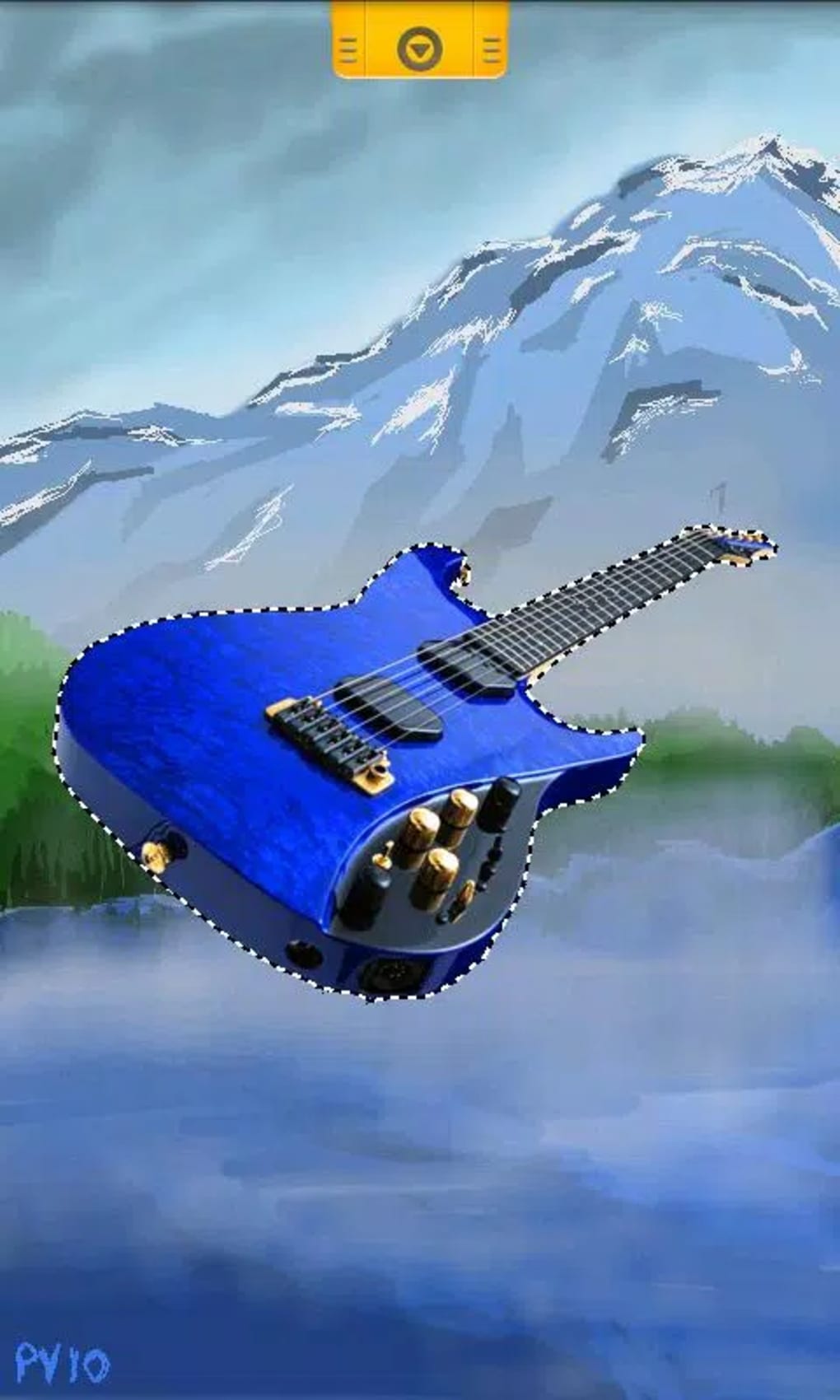
- Lasso Selection Tool: Provides precise selection of specific areas for editing, painting, or moving content within a canvas.
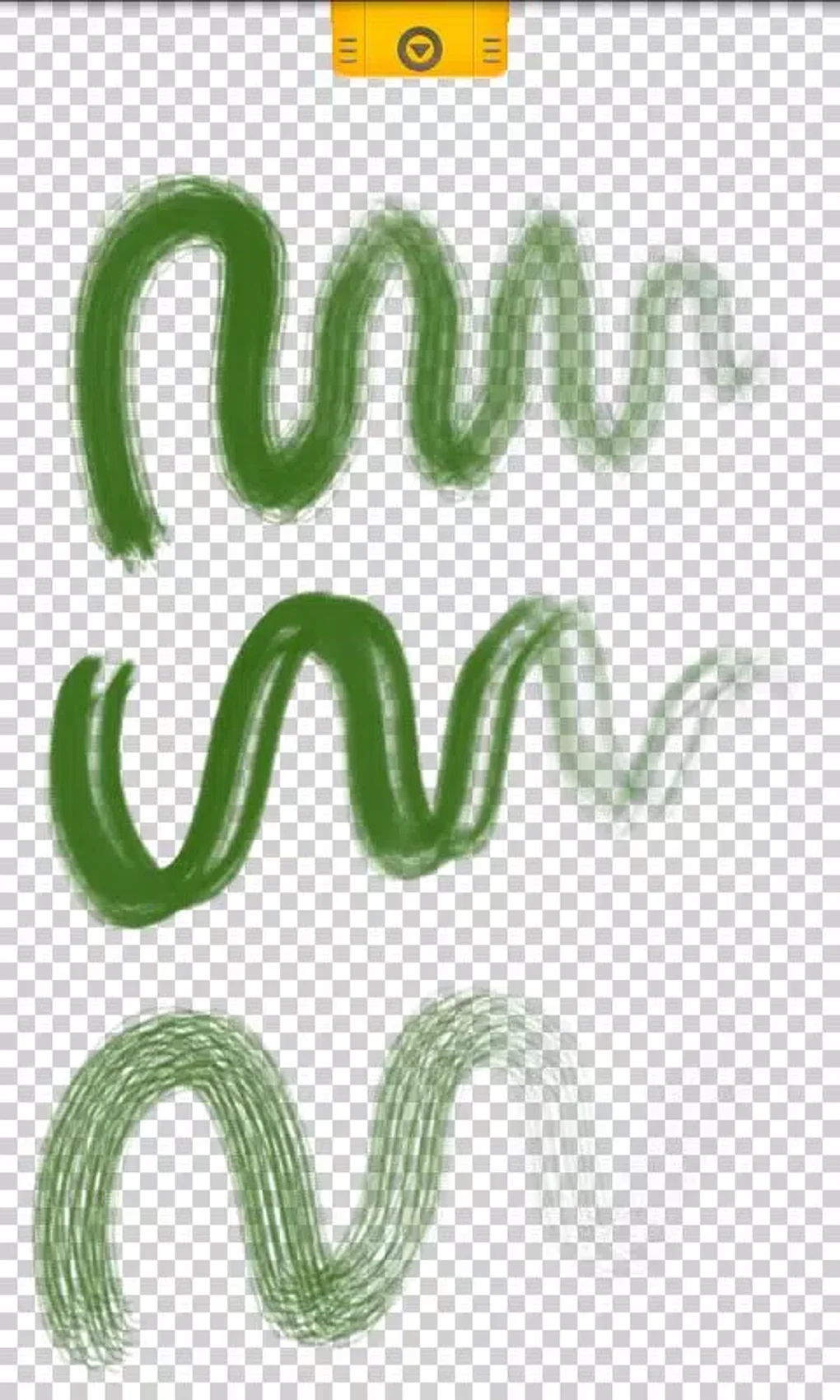
- Custom Brush Library: Offers a variety of brush types that can be personalized for texture, size, opacity, and flow.
- Smudge, Dodge, and Burn Tools: Mimics traditional painting techniques, allowing for realistic blending, lightening, and darkening of areas.
- Mobile-First Design: Optimized for touch input with responsive gestures and intuitive tool placement.
These features support a wide range of artistic workflows. For example, a user can sketch a character on one layer, refine facial details on another, and use the dodge tool to highlight eyes. The lasso selection enables selective editing, such as isolating a background for color adjustments. The custom brush system allows artists to replicate real-world textures or invent unique styles. The app’s design ensures that even complex operations remain accessible through touch, making it suitable for both beginners and experienced creators.
User Interface, Workflow & Performance
Canvas features a clean, touch-optimized interface that prioritizes accessibility and workflow efficiency. The main canvas is centered, with toolbars positioned along the sides and bottom for easy reach. Navigation is intuitive, relying on tap and swipe gestures to switch between tools, layers, and settings. The layout minimizes clutter, allowing users to focus on their artwork without distraction.
Workflow efficiency is enhanced through consistent tool placement and responsive feedback. Users can quickly access frequently used functions via customizable shortcuts. The developer did not specify resource usage details, so exact performance metrics such as CPU or RAM consumption remain unknown.
Performance observations are based on general software behavior patterns. Stability during extended use has not been independently verified. However, the app’s lightweight design—25 MB in size—suggests efficient memory handling.
The interface remains responsive during typical painting sessions, indicating smooth operation under normal conditions.
Compatibility & System Requirements
Canvas is designed for Android devices and is compatible with smartphones and tablets running the supported OS version. The current version is 1.0.1, released on May 15, 2024. The installation size is 25 MB, indicating a compact footprint suitable for devices with limited storage. The developer did not provide additional system requirements, so exact hardware specifications such as RAM, processor, or minimum Android version are not available.
Platform compatibility information is limited to Android. No details were provided about support for other operating systems. Users should ensure their device meets general Android compatibility standards for app installation. The app is available for free, making it accessible to a broad audience. The lack of detailed system requirements means users may need to test the app directly to confirm functionality on their specific device.
Pros and Cons
Pros
- Free to download and use with no in-app purchase barriers
- Comprehensive set of professional-grade tools for mobile painting
- Optimized for touch-based interaction on Android smartphones and tablets
- Compact installation size of 25 MB
- Supports layers and advanced editing techniques like dodge and burn
Cons
- Exact system requirements were not listed
- Performance under heavy workloads not specified
- Only available on Android, no support for iOS or desktop platforms
- Developer background and company information are minimal
- No details on cloud sync, export formats, or collaboration features
FAQ Section
Is Canvas compatible with all Android devices?
Canvas is designed for Android smartphones and tablets. Compatibility may vary depending on the device’s operating system version and hardware specifications. The developer did not provide a full list of supported devices or minimum system requirements.
Is the app safe to download and use?
Canvas is available for free on official Android app channels. It is recommended to download the app from trusted sources to ensure authenticity and avoid potential security risks. The developer did not include information about data collection or permissions.
Does Canvas support offline use?
Yes, Canvas functions entirely offline after installation. No internet connection is required for core painting and editing features.
How often are updates released?
The latest version, 1.0.1, was released on May 15, 2024. The update frequency is not specified, but developers typically release updates to fix bugs and improve performance.
What license type does Canvas use?
Canvas is distributed as free software with no cost to use. The specific license type was not disclosed in the provided information.
Final Thoughts
Canvas delivers a compelling mobile art experience with a strong feature set tailored for digital creators on Android. Its free availability, combined with professional tools like layers, custom brushes, and advanced editing functions, makes it a standout choice for artists seeking a portable creative solution. While the lack of detailed system requirements and cross-platform support limits its reach, the app’s lightweight design and intuitive interface offer a smooth experience for most users.
It is particularly well-suited for hobbyists, students, and mobile artists who want to create high-quality illustrations without investing in expensive software or hardware. The developer’s commitment to accessibility is evident in the app’s pricing and design. For those looking to unleash their creativity on a mobile device, Canvas presents a powerful and practical option.
Download Canvas now






.png)
